
Apparo Skilled Volunteer Christopher Jones shares his experience facilitating a Team Training with Hope Haven to improve their collaboration with Microsoft 365 tools.
Introduction
My first volunteer experience with Apparo began on October 31, 2025, when I was invited to lead a Microsoft Office 365 collaboration tools in-person training for the management staff of Hope Haven, a nonprofit organization in Charlotte, NC. Hope Haven is in the business of helping individuals experiencing homelessness and substance abuse disorders. I joined in a Zoom meeting with the Apparo program manager to discuss the scope of the training engagement. She provided me with the Team Training Description from a previous training which occurred in August 2025. This summary presented a background of the business use case for Microsoft Office 365 collaborative tools and some of the historical details around the staff’s use of the tools. For example, the staff had been using MS Outlook for email and were familiar with its features and functions. They had also received an overview of OneDrive and Sharepoint during this previous training.
The objective of this new training initiative was to provide a more in-depth exploration of Office 365, with a particular emphasis on the features and functionality of Microsoft Teams. The training brief was comprehensive – it outlined the nonprofit’s point of contact, training objectives, topic focus, target audience, delivery method, technical requirements, session count and duration, preferred dates, and proposed content. This well-organized documentation gave me a clear understanding of the who, what, where, when, and how of the engagement.
Additionally, a summary outlined the expectations for the training experience. The session was scheduled to take place at Hope Haven’s headquarters in the main conference room, designed as a two-hour session for a group of 10–12 business managers. With this context in hand, I began developing a tailored training slide deck.
Developing the Training Content
I created a MS Powerpoint slide deck consisting of multiple topics around Office 365 toolsets, with a primary focus on MS Teams. The training consisted of an introduction followed by:
Part 1 – Overview – 20 minutes
Part 2 – Demonstration of Concepts, Basic – 30 minutes
• Challenge Exercise #1 – 15 minutes
• Break – 10 minutes
Part 3 – Demonstration of Concepts, Intermediate – 30 minutes
• Challenge Exercise #2 – 15 minutes
This was, in total, 110 minutes of content. So, everything was ready.
Training Day
Thursday, December 4th was training day beginning at 10am at the headquarters of Hope Haven. I arrived at the facility and made my way into the building and conference room. After about 15 minutes of setting up and testing the connections, it was time to get started.
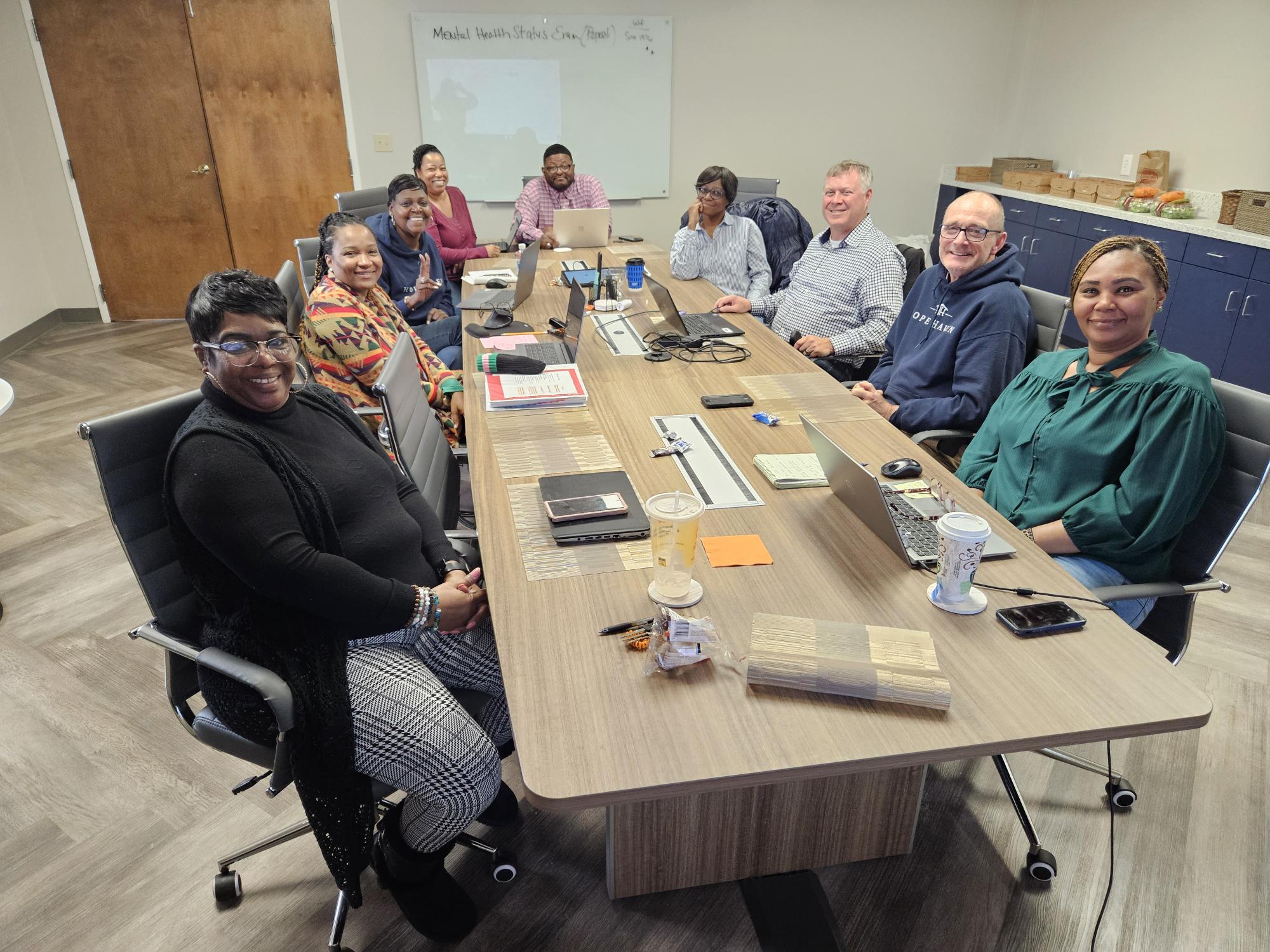
Skilled Volunteer Christopher Jones facilitates Microsoft 365 Team Training for Hope Haven.
The training plan was solid, but once we got started, it took a great turn. The staff’s curiosity led to rich discussions and hands-on exploration of multiple ways to accomplish the same tasks. From cybersecurity considerations to meeting controls, we looked at how to create, save and share content, the differences between Teams on the web versus on the desktop app, version control, among other dives into settings, permissions, chatting, calling. Also, we touched on how to create teams and channels based on organizational functions within business units. Finally, at the end, it was time for lunch, which was a great bonus for a great session!
Wrapping Up
Teaching MS Office 365 to the Hope Haven staff was a rewarding experience that offered both meaningful learning and valuable hands-on engagement. I could feel the excitement in the room when one of the staff members realized how to do something in a different (and much easier!) way. Everyone was grinning and laughing… it was great! These are the moments that really make teaching fun, especially when getting together with students in an informal, in-person, classroom / conference room format. All in all, it was a very rewarding experience, and I look forward to contributing at the next opportunity.
Christopher L. Jones is a business consultant and cybersecurity professional with over 25 years of IT experience and 12 years of dedicated Cybersecurity experience. He is currently the Chief Cyber Strategist with 2Bware, LLC. Chris has just gotten started with his first volunteer opportunity with Apparo.