
Webinar: Rapidly Going Remote
In this useful session, our panelists demonstrate how Microsoft SharePoint + Teams enable remote productivity.
Read more
News & Stories
Read more here about the most effective ways for nonprofits to engage in virtual teamwork. Working as a productive and collaborate team remotely is critical to your mission delivery and we’re here to help.
New to Apparo? Drop us a note to get the conversation started on how we can help your nonprofit overcome workplace challenges with our free and low cost resources.
In this useful session, our panelists demonstrate how Microsoft SharePoint + Teams enable remote productivity.

In this actionable and inspirational session, best-selling author Geoff Ables shares how digital solutions are now playing a critical role in helping ...
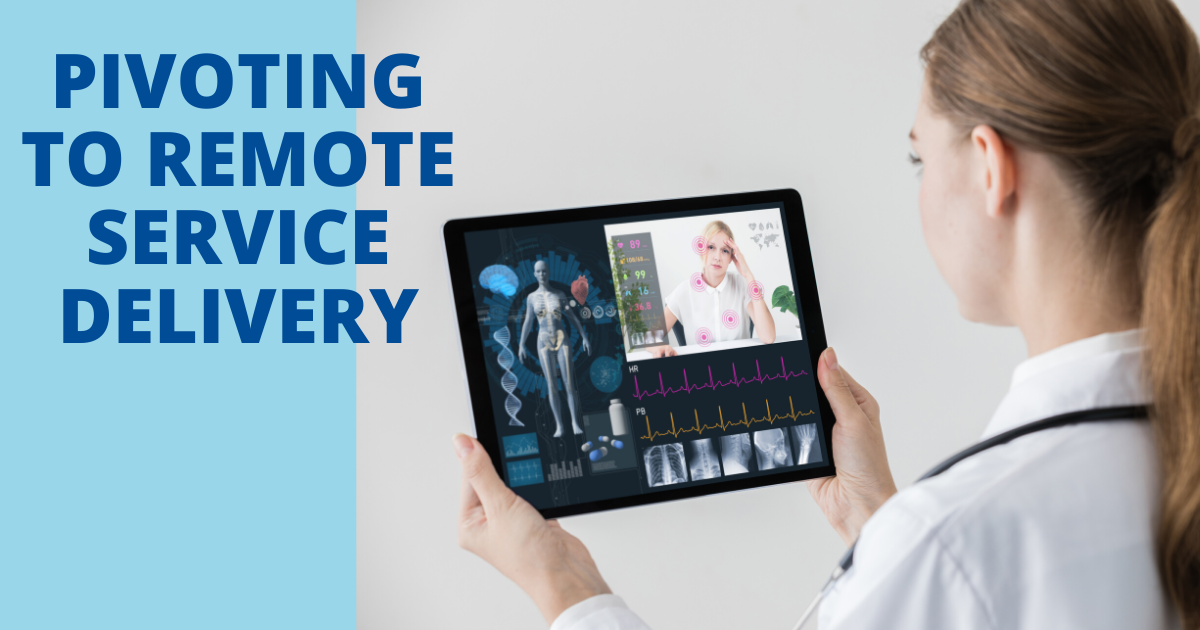
In this webinar, nonprofit leaders share how they’ve shifted from in-person service models to virtual to continue serving through the pandemic. ...

Here we go over the current Zoom security best practices for keeping your meetings and webinars protected, in light of recent security threats. ...

For all wondering, “Should my nonprofit still use Zoom?” based on recent security concerns, we decided to get to the bottom of it. ...

In this webinar, our panelists take us through everything you need to know for optimal work in Teams, including set-up, chat, notifications and more. ...

To enhance your experience during this “new normal”, the Apparo team has compiled our favorite tips for working from home, including mood-boosters, di...

In this webinar, our panelists guide us through the ingredients you need for an effective remote workspace, including office setup, virtual meetings +...

Zoom is a user-friendly and affordable video conferencing platform. Here are some helpful resources for learning how to use Zoom.

Microsoft Teams is great for staying connected with your team as you work remotely. Enjoy video + text chatting, file sharing + storage, project manag...

We address best remote work practices/tools, ensuring security of data outside of the office, and organizational policies and procedures.

Here are some helpful links for navigating Google’s suite of various tools, including Google Docs, Gmail, Google Calendar and more.